
Officers and Admins can create a user account manually, as opposed to requiring a user to go through the registration process. In order to create a user manually, go to the Users->Add New menu entry:
Once you click this, you will see the new user screen:
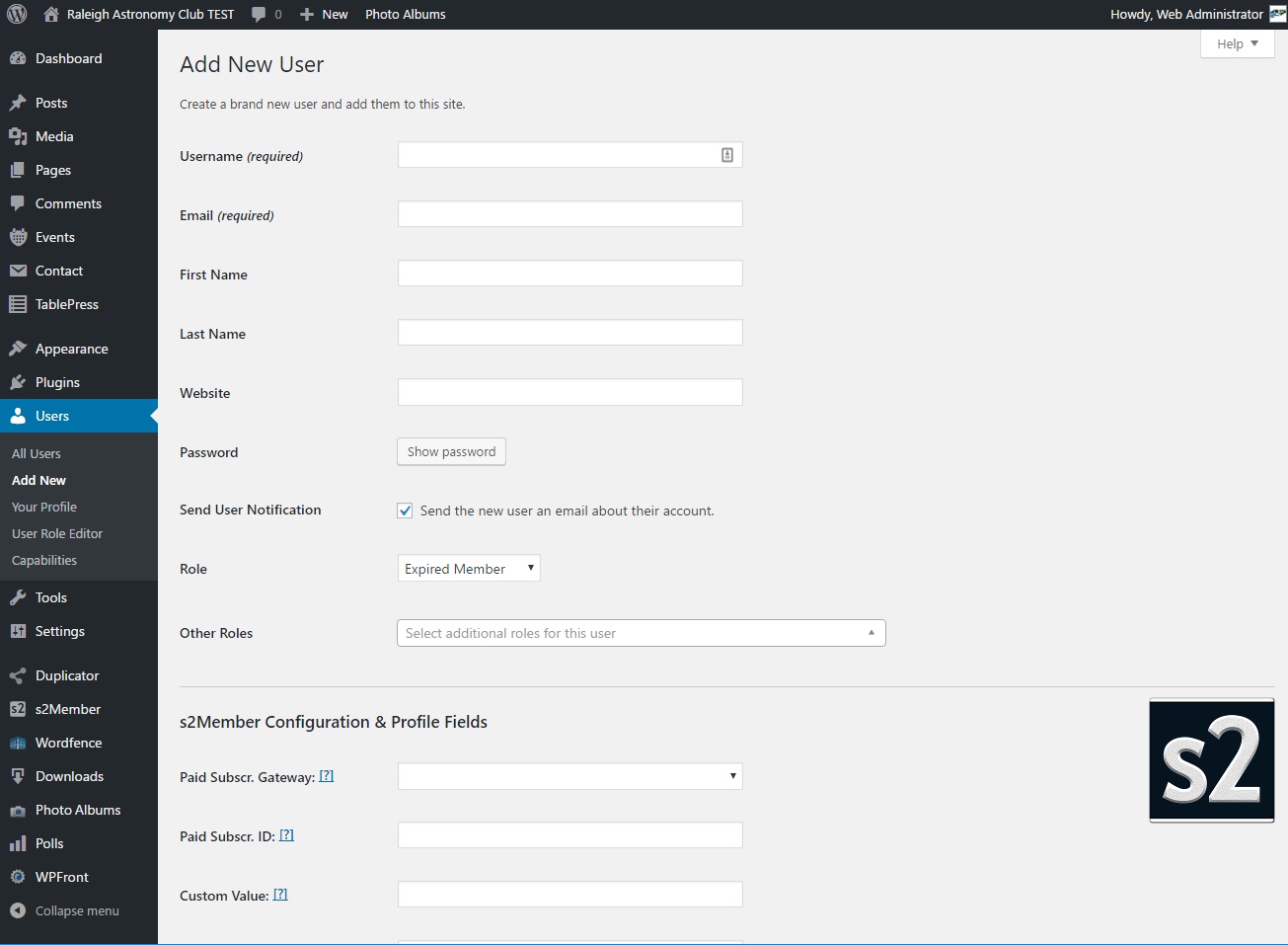
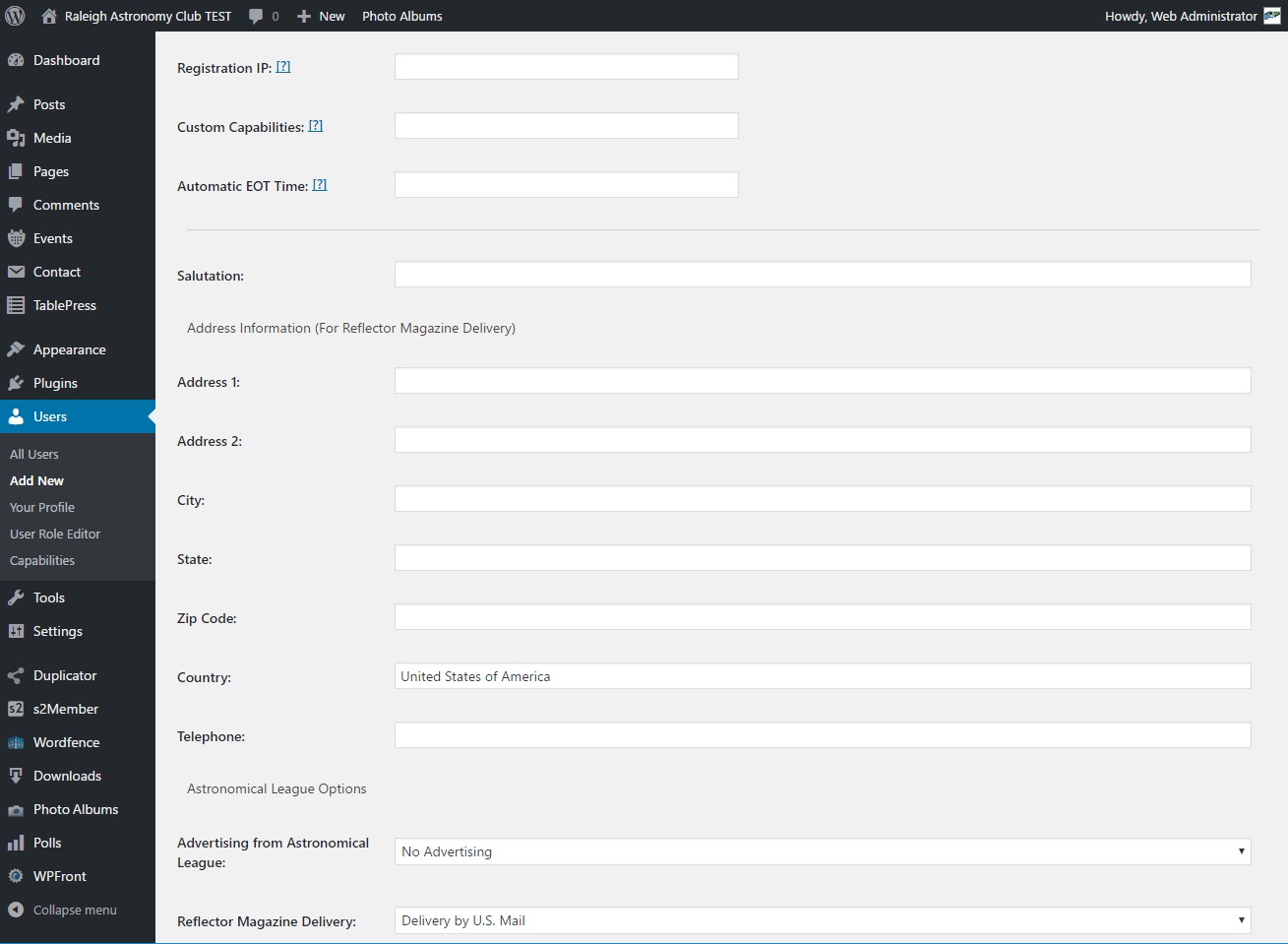
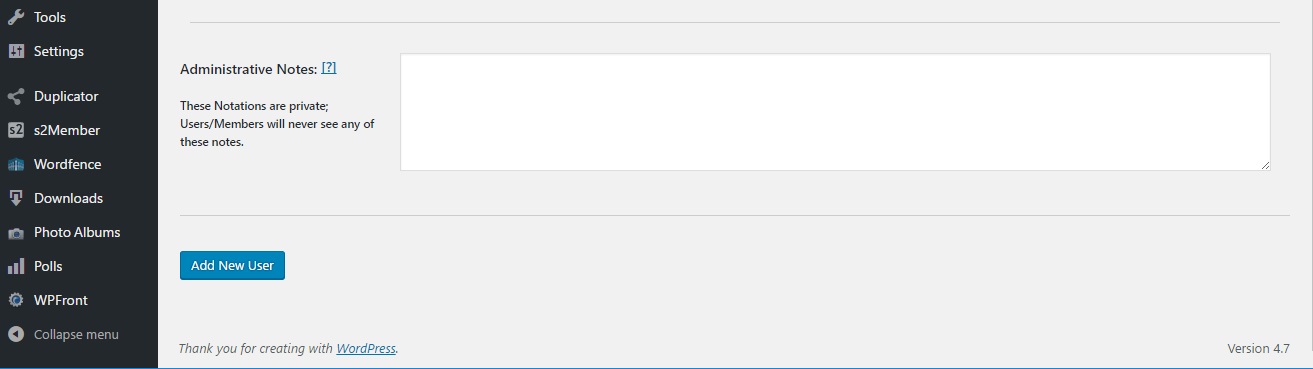
At a minimum the following fields need to be set.
- Username – must be unique on the site
- Role – See the Managing Users help post for more information on roles
Optionally, you can set any other information, including the EOT date and address information (or leave that for the user to edit those fields). Also, it is recommended to leave the box checked to send an email to the user when there account is complete.


