There comes a time where it may be time to part ways; no hard feelings.
It is especially important to cancel your membership if you previously set up auto-renewing annual dues payments. The club does not offer refunds for partial years nor can it refund membership dues that were paid prior to you cancelling your membership.
To cancel your membership:
1. Log into the website at https://raleighastro.org/. If you cannot remember your password, follow our guide for resetting your password.
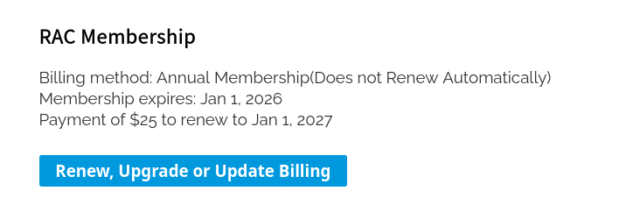
2. Once logged in, scroll towards the bottom of the page, click the ‘Renew, Upgrade, or Update’ Billing button.
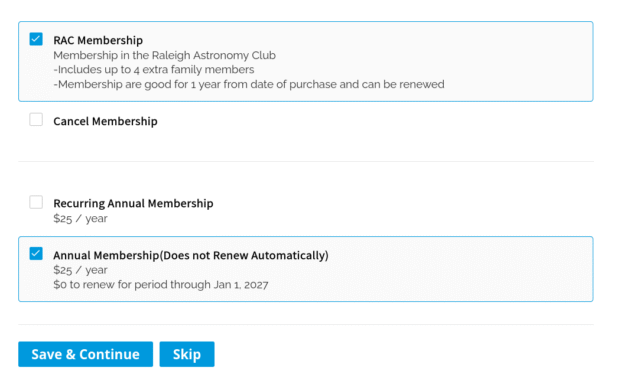
3. On the new page, select ‘Cancel Membership’.
Be sure to click ‘Save & Continue’!